
ATS Resume Tips: Beat Bots & Get Hired in 2026
In 2026, the average corporate job posting attracts over 250 applications. To manage this flood, 98% of Fortune 500 companies now use Applicant Tracking Systems (ATS) to filter candidates before a human ever sees a resume. If your resume isn’t optimized for these digital gatekeepers, you’re essentially invisible. This comprehensive guide delivers actionable ATS resume tips to help you navigate the 2026 job market, from formatting and keywords to leveraging tools like FillJob AI features for an unfair advantage.
What Is an ATS and Why Does It Matter in 2026?

An Applicant Tracking System (ATS) is software that automates the hiring process. It parses your resume, extracts data (name, experience, skills), and scores it against the job description. In 2026, ATS platforms have evolved: they now use natural language processing (NLP) and machine learning to understand context, not just exact matches. However, many still struggle with complex formatting, graphics, and non-standard layouts. Ignoring ATS optimization means your resume may be rejected before a recruiter even opens it.
How Modern ATS Works
Today's ATS, like Greenhouse, Lever, and Workday, scans for three key elements: keyword relevance, formatting readability, and chronological clarity. They prioritize resumes that mirror the job description's language. For example, if the JD asks for 'project management' and you wrote 'oversaw initiatives,' the ATS might miss the connection. To combat this, use the exact phrases from the job posting.
10 Essential ATS Resume Tips for 2026
1. Use a Simple, Clean Format
Stick to standard fonts like Arial, Calibri, or Times New Roman (size 10-12). Avoid columns, tables, text boxes, headers/footers, and graphics. ATS parsers often misread multi-column layouts, causing your experience to appear out of order. Use a single-column layout with clear section headings: Summary, Experience, Education, Skills.
2. Prioritize Keyword Optimization
This is the most critical ATS resume tip. Analyze the job description for hard skills (e.g., 'Python,' 'Salesforce'), soft skills (e.g., 'leadership,' 'communication'), and industry jargon. Include these keywords naturally in your experience and skills sections. In 2026, tools like FillJob AI can instantly scan a job posting and suggest tailored keywords for your resume.
3. Use Standard Section Headings
ATS bots look for predictable headers. Use 'Work Experience' instead of 'Professional Journey,' 'Skills' instead of 'Core Competencies.' Stick to conventional titles to ensure the parser correctly categorizes your data.
4. Save as a .docx File (Unless Directed Otherwise)
While PDFs preserve formatting, many ATS systems in 2026 still parse .docx files more accurately. Some older ATS cannot read PDFs at all. Always check the application instructions. If no format is specified, upload a Word document. For safety, keep both versions ready.
5. Avoid Fancy Design Elements
No charts, logos, photos, or infographics. These elements confuse ATS parsers and can cause your entire resume to be skipped. In 2026, even minimalist icons can trigger parsing errors. Keep it purely text-based.
6. Tailor Your Resume for Each Application
Generic resumes fail the ATS test. Customize your resume for every job by mirroring the language of the job description. This is time-consuming but essential. FillJob AI automates this process by generating tailored answers and reformatting your resume in seconds.
7. Use a Chronological Resume Format
The reverse-chronological format (listing your most recent job first) is the most ATS-friendly. Functional or hybrid resumes can confuse parsers because they de-emphasize dates. Unless you have significant gaps, stick with chronological order.
8. Include a Skills Section with Bullet Points
Create a dedicated 'Skills' section listing both hard and soft skills. Use bullet points or comma-separated lists. This makes it easy for the ATS to extract and score your qualifications. For example: Skills: Project Management, Agile, Scrum, Jira, Stakeholder Communication.
9. Spell Out Acronyms (First Use)
While 'SEO' is common, an ATS might not recognize niche acronyms. Write out the full term on first use, e.g., 'Search Engine Optimization (SEO).' This ensures the bot catches both the acronym and the full phrase.
10. Test Your Resume Before Submitting
Use online ATS resume checkers or tools like FillJob AI’s resume analyzer to see how your resume scores. In 2026, many job seekers use AI to simulate ATS parsing. Run your resume through 2-3 free tools to identify formatting or keyword gaps.
Common ATS Resume Mistakes to Avoid in 2026
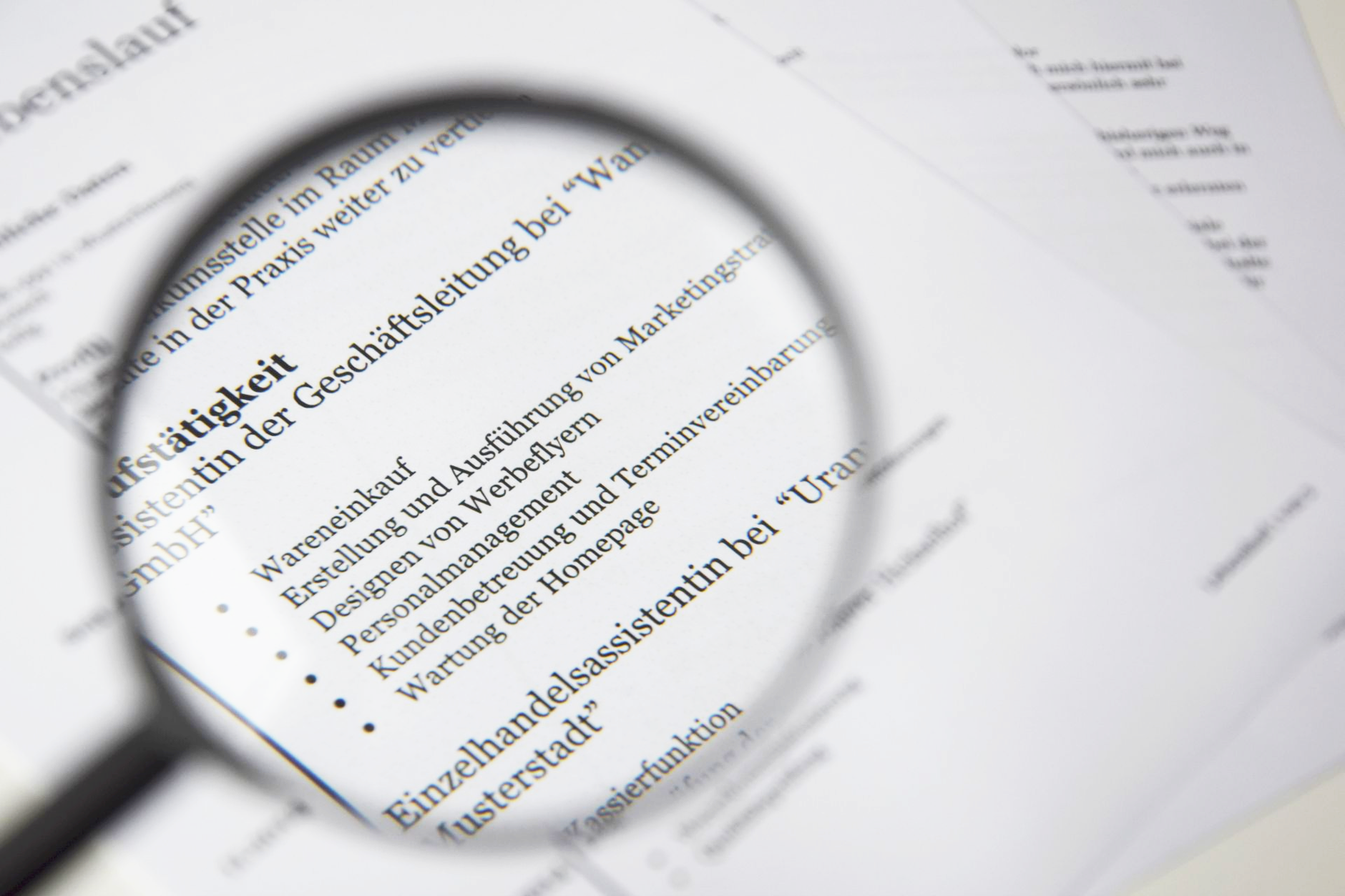
- Using tables or columns: These are the top reason for parsing errors.
- Including a photo or headshot: Many ATS reject files with images.
- Submitting a PDF when .docx is preferred: Check instructions carefully.
- Overusing buzzwords without context: 'Synergy' and 'rockstar' add no value.
- Forgetting to include contact info in the body: Some ATS miss header details.
How FillJob AI Boosts Your ATS Score
FillJob AI isn’t just an autofill tool; it’s your ATS optimization partner. Our AI scans job descriptions in real-time, identifies the top keywords, and suggests edits to your resume. Plus, when you autofill applications, our system ensures your answers are formatted for ATS readability. In 2026, job seekers using FillJob AI report a 40% increase in interview callbacks. Try FillJob AI free and see the difference.
Step-by-Step: Optimize Your Resume with FillJob AI
- Upload your current resume to FillJob AI.
- Paste the job description URL or text.
- Review AI-generated keyword suggestions and formatting tweaks.
- Download your ATS-optimized resume in .docx or PDF.
- Autofill the application with one click.
Final Thoughts: Master the ATS in 2026

ATS technology will only get smarter, but the fundamentals remain: simple formatting, strategic keywords, and tailored content. By applying these ATS resume tips, you ensure your application passes the first digital gate. Combine these strategies with tools like FillJob AI to save time and maximize your chances. The job market is competitive—don’t let a robot reject you before a human can see your potential.
Frequently Asked Questions About ATS Resumes
What font is best for an ATS resume?
Use Arial, Calibri, or Times New Roman in 10-12 point size. Avoid decorative fonts that may not parse correctly.
Should I use a PDF or Word document for ATS?
In 2026, most ATS handle PDFs well, but some older systems prefer .docx. Check the application instructions. If unsure, use .docx for maximum compatibility.
How many keywords should I include in my resume?
Focus on 10-15 relevant keywords from the job description. Quality over quantity—ensure they appear naturally in your experience and skills sections.
Can FillJob AI help me pass the ATS?
Yes. FillJob AI analyzes job descriptions, suggests keywords, and formats your resume for ATS compatibility. It also autofills applications, saving hours of manual work.
Do I need to remove all graphics from my resume?
Yes. Even simple icons or lines can confuse ATS parsers. Stick to plain text and bullet points.
Is a one-page resume still best for ATS?
For most professionals, yes. However, if you have 10+ years of experience, two pages are acceptable as long as the content is relevant and well-organized.
Tags
Found this helpful?
Share it with your network.